
Large language models have become integral to many of our lives within the past few years, from using ChatGPT to conduct light research or talking with an AI chatbot instead of waiting on hold for a human customer service representative. Some people even use LLMs for emotional support. However, privacy and cost concerns have led some people to run LLMs locally, freeing them to choose which model they use and how.
Most computers that can handle simple daily tasks can host a local LLM. You can dramatically boost performance and enjoy faster, smoother interactions with planning and setup. Here’s everything you need to know about LLM hardware requirements.
What Hardware Do You Need for an LLM?
Consider these standard hardware components for LLMs.
- Processor: Your choice of central processing unit matters little unless you run your LLM on it.
- Video card: The graphics processing unit should be a “professional” or “compute” level card to ensure good performance.
- Memory: You should have at least twice as much CPU system memory as GPU system memory.
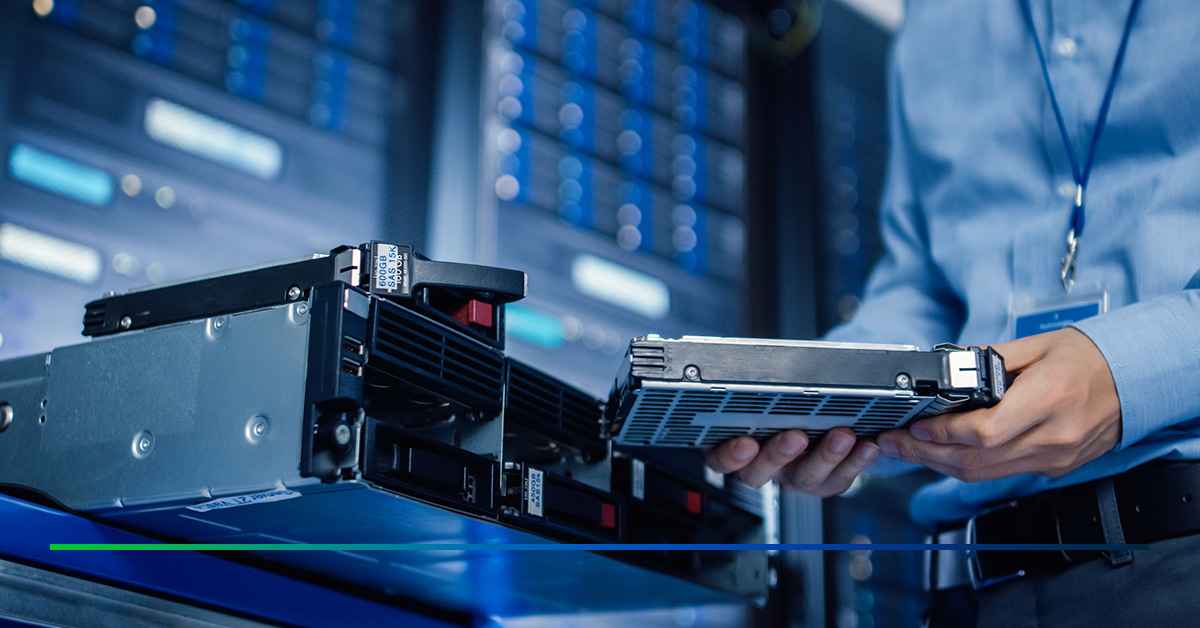
- Storage: Aim for at least 1TB of storage, though 4-16TB would more safely meet most local LLMs’ needs.
All these components exist in standard computers, but if you want a local LLM that consistently functions well, ensure each part meets the specs to deliver the required performance levels.
Local LLM Hardware Considerations
Knowing about the hardware requirements for LLMs is a start, but it’s only part of the equation. Consider more complex aspects of your setup if you want your LLM to perform to high standards. Various factors can dramatically impact how smoothly your model runs, how easy it is to use and how long it remains reliable.
CPU vs. GPU
When you set up your system, decide whether you want your CPU or GPU to perform inference. The GPU will perform much better in most cases, since it can handle parallel processing. The VRAM will limit the GPU’s performance. Lower VRAM slows processing speeds, particularly for configurations with a single graphics card. It’s ideal to use a configuration of two or more graphics cards when possible.
Using the CPU for inference typically delivers speeds up to 100 times slower. However, a CPU can handle much larger models, since it uses RAM rather than VRAM.
Your choice depends on the complexity of your AI applications and how many you’ll need to run. A hybrid solution using CPU and GPU might give you the best of both worlds, though this isn’t an option on all inference libraries.
Which Graphics Card Is Best for Local LLMs?
Your GPU will massively affect your LLM’s performance, so choose wisely. In particular, you need to consider a GPU’s VRAM — more VRAM allows the model to run faster and handle larger workloads efficiently.
If you already have an AMD GPU, it may work well for local LLMs, especially on Linux systems. However, Windows support for AMD is more limited due to compatibility gaps with popular inference libraries.
NVIDIA is the gold standard if you want a GPU specifically for running LLMs. Many inference libraries across Windows and Linux operating systems support NVIDIA’s platform, CUDA. What’s more, NVIDIA’s graphics cards offer unmatched performance for AI workloads.
RAM Requirements for Your Local LLM
Your system’s RAM delivers data to the GPU, storing large datasets and handling temporary data during processing. For small-scale applications, you should have at least 16GB of RAM, with 32GB sufficient for many common models. Consider 128GB of RAM or higher for larger applications or those where you want the freedom to scale over time.
If your system has insufficient RAM, your model will either fail to load, or the operating system will try to compensate by using your hard drive or SSD instead. The resulting sluggish speeds will make your application all but unusable.
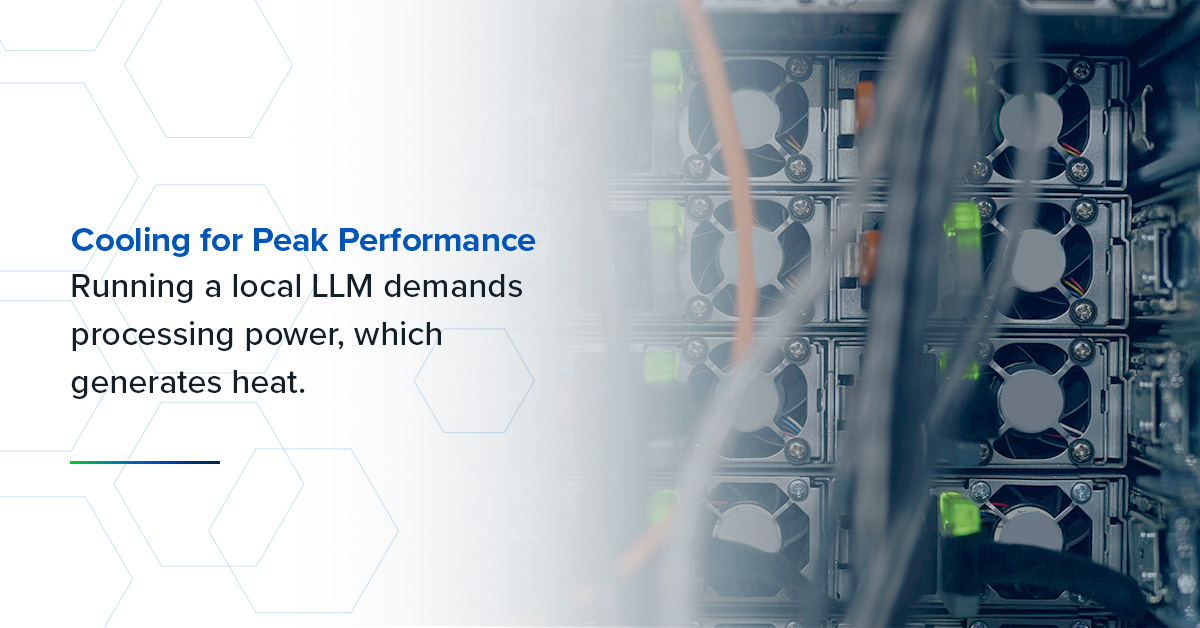
Cooling for Peak Performance
Running a local LLM demands processing power, which generates heat. Temperatures can rise quickly as your GPU and CPU work overtime to process large models, potentially slowing performance or shortening your system’s lifespan. That’s why you need a reliable cooling setup.
A standard air cooling system may suffice for smaller models or lighter workloads. But it may be worth upgrading to liquid cooling or a custom water-cooled solution if you work with medium to high-performing LLMs, especially for extended sessions. These offer better thermal control, helping your hardware stay efficient, stable and ready for whatever you ask it to do.
Edge vs. Cloud Solutions
One question with any data storage system is whether to opt for an edge or a cloud-based solution. These are popular for those who want a quick, easily scaled setup, which the cloud can facilitate, since the infrastructure is readily available through your chosen provider.
However, security is a concern with cloud solutions. Since your data leaves your premises to be stored elsewhere, you have less control over its security. What’s more, cloud solutions create more access points for nefarious agents to steal your data from. A sufficiently robust cloud solution should provide all the security you need, but it’s something you should be aware of when selecting your provider.
To avoid this issue, you could instead choose an edge solution and keep all your data on your premises. This route requires more planning and hardware with less flexible scaling, but provides you with full control over your data’s security.
Alternatively, you could create a hybrid solution using cloud and edge solutions. Choose which data you store on the cloud and enjoy easy scalability, while keeping the most vital or sensitive data on-site.
Cutting-Edge Hardware for Your Local LLM
There’s no one-size-fits-all answer when exploring which hardware is best for local LLMs. Instead, focus on what works best for your specific model and performance goals.
BCD’s hardware allows your local LLM to perform to the highest level. Build a solution that’s more than capable of handling the required workload with our AI-ready systems designed with cutting-edge NVIDIA GPUs and Intel® CPUs.
Get in touch with us today to ask how we can help you with your local LLM needs.