
The Causes of IT and Server Hardware Failure
IT and server hardware failure can have devastating effects on a business’s productivity, profitability and reputation. It may also cause expensive repairs and even legal or contractual liabilities. Hardware failure is the biggest culprit of small and mid-sized business (SMB) downtime and data loss.
It may be challenging to eliminate computer hardware failure entirely. However, understanding the common reasons hardware failure occurs and what steps you can potentially take to avoid it can help data center managers and system administrators minimize hardware failure.
1. Hard Disk Failures
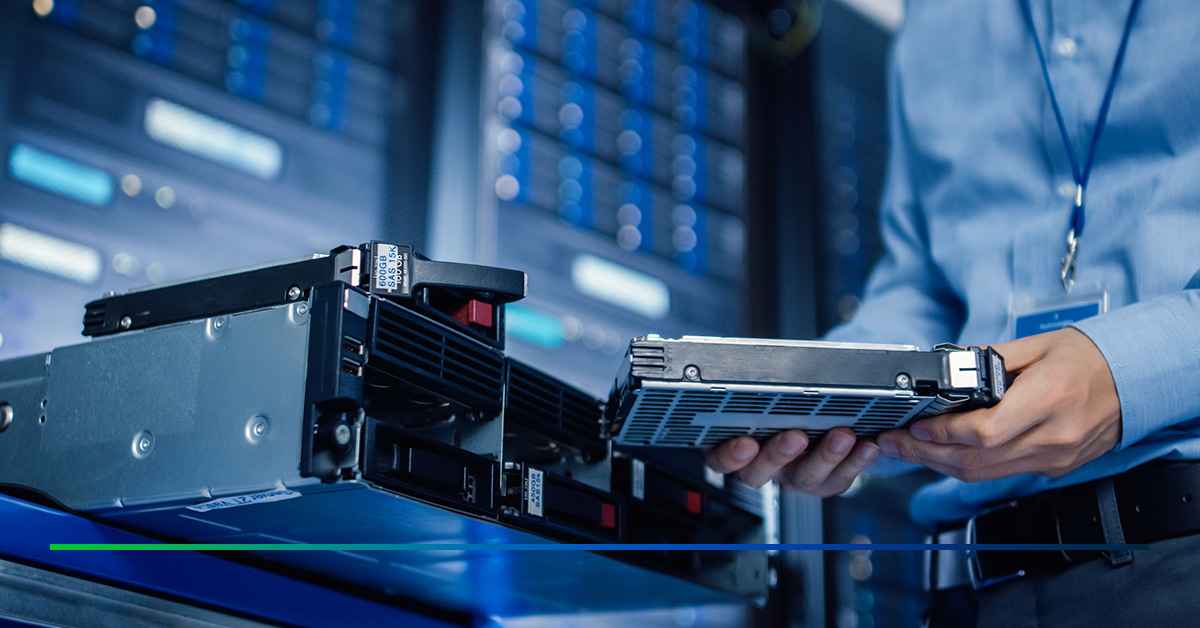
Hard disk failures include any problem where sectors on the disk cannot be read, making the data inaccessible to users. Here are the main causes of hard disk failures:
- Mechanical stability: This is generally caused by extreme environmental conditions like high temperatures or fires, hard impact and wear.
- Electrical faults: These are caused by power surges, lightning strikes or damaged power lines.
- Logical failures: These affect the hard disk’s software systems and may result from viruses, malware or improper computer shutdown.
- Physical damage: Hard drives can fail after being dropped, bumped or hit by an object.
While routine checks will identify and enable hardware troubleshooting before effecting failure, eventually, it is unavoidable simply because all hard disks degrade over time. For this reason, you must consider regularly monitoring your disk health and backing up your data often. It also helps to replace faulty drives as soon as possible and implement a redundant array of independent disks to enhance data availability.
Use both hard disk drives (HDDs) and solid-state drives (SSDs) to reduce the occurrence of failure.
2. Power Fluctuations or Failures
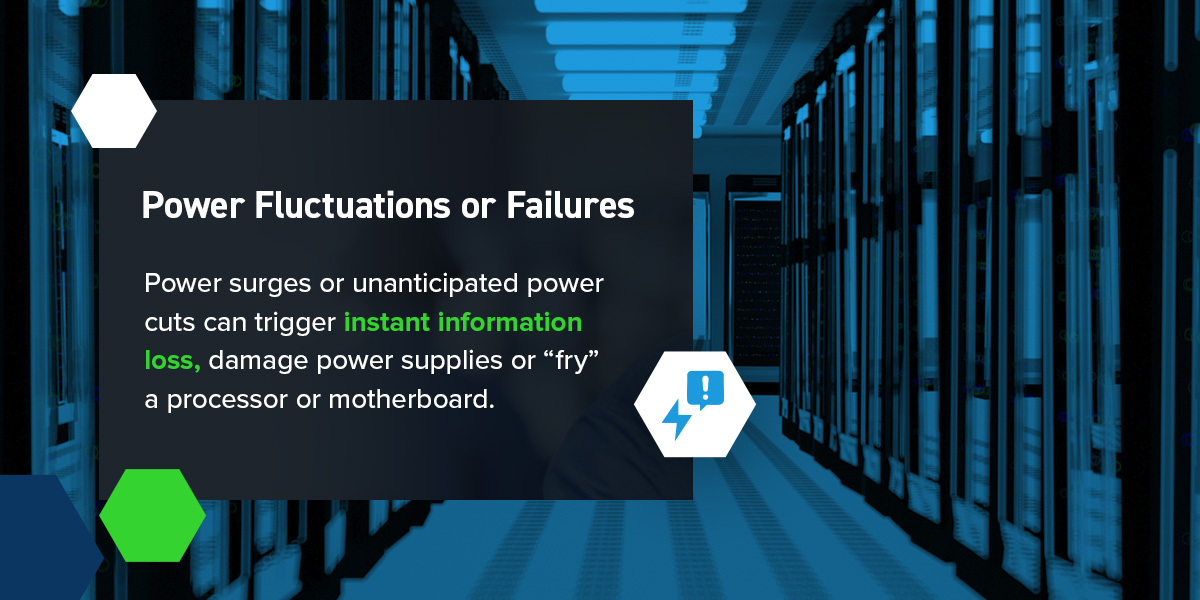
Power surges or spikes in electrical current can increase the energy flowing to the system and damage vulnerable IT components. Servers are especially sensitive to brownouts. Power surges or unanticipated power cuts can trigger instant information loss, damage power supplies or “fry” a processor or motherboard.
Electrostatic discharge caused by irregular power supply may damage numerous electronic components within computer systems. These discharges occur when repairs are performed without adequate grounding. Power failures and fluctuations may lead to server crashes, irreversible errors and interruptions in your IT operations and workflows.
In the event of a power outage, you want to be able to rely on an emergency power backup solution to ensure continuous power supply and reduce server hardware errors.
3. Overheating
Electronic components generate significant amounts of heat that must be dissipated away from the system to avoid hardware damage. This is why computers have fans and cooling systems to facilitate heat dissipation. Obstructions to the fans or leaks can quickly reduce the effectiveness of ventilation systems, decrease the server’s life span or lead to unexpected shutdowns.
The environment surrounding your servers, such as high temperatures, causes thermal throttling and decreases performance. High humidity also threatens to cause hardware corrosion and short-circuiting, while dust may prevent the smooth functioning of air-cooling systems by clogging heatsinks and fans.
Install high-quality HVAC systems to optimize server room conditions to minimize the risk of overheating IT systems and servers. Regular cleaning and proper maintenance of your cooling systems prevent overheating, server failure and hardware malfunction.
4. System Overloading
System overloads can occur when a server doesn’t have enough processing power to playback or record video. They are often the result of low server capacity, sudden traffic surges and hardware or software failure. System overloads can cause data loss by preventing the system from taking in new requests or recording new data and may lead to program freezes, delays in loading or saving time, productivity losses, and poor customer experience.
Preventing server overload involves proactive strategies like capacity planning, load balancing and accurate server sizing. Managing it after it occurs requires load shedding and implementing failover mechanisms.
5. Human Error
Human error is a common cause of hardware failures in data centers and other IT businesses. Most errors are unintentional and due to a lack of training. Examples range from knocking drinks onto PC towers to downloading attachments infected with malware.
The best way to prevent hardware errors resulting from human error is to provide employees with regular training. This helps them familiarize themselves with new equipment, understand how different server components work and fix some hardware problems independently.
Prevent Hardware Failures With BCD Solutions
Although computer hardware failure cannot be entirely prevented, it can be mitigated through proactive management. At BCD, we offer several failover solutions, which include:
- Harmonize iDRAC (integrated Dell remote access controller) makes it easy to monitor server health remotely from a single-pane-of-glass inside top VMS platforms. It lets you easily monitor multiple servers simultaneously and send alerts as needed, and you can customize parameters for hard disk temperature, RAM, power supplies and more to prevent the most common and costly failures. Harmonize iDRAC also includes Windows 10/11 capabilities, with support at no extra cost.
- Harmonize Remote Monitoring and Management (RMM)enables remote monitoring and management to the desktop in a single-pane-of-glass, without being restricted to servers, like iDRAC. It minimizes the impact of downtime on your bottom line and brand by allowing access to critical failure information in real time.
- Virtualized Infrastructureutilizes a virtual environment to pool system resources while also integrating with the cloud for system backups to protect against data loss, keep costs down and ensure valuable system resources aren’t sitting idle.
- Harmonize Bridge is a powerful hybrid cloud plugin that provides users with a secure long-term data archiving solution. It streamlines application management, minimizes financial losses and increases data storage and scaling capabilities, offering a disaster recovery feature that protects data in the event of a blackout.
- Surveillance HA for XProtect is a high-availability solution powered by our partners at Tiger Surveillance, specifically for the Milestone XProtect VMS. It utilizes a redundant secondary server and migrates all recordings and primary activity over to the second server in the event of a blackout for zero-loss failover.
Fill out our contact form to learn more about our hardware solutions and get in touch with our team.
Popular Posts


Confidence Built In
Choose Trusted Security Solutions From BCD
At BCD, we value all projects, no matter how big or small. We focus on providing purpose-driven solutions that make a difference to every security system. You can count on our extensive customer service to provide technical support whenever you need it — before, during and after the sale. Our support team will work with you to ensure seamless operation. Contact us online to discuss your next deployment.